Prepaid credits for Covermatic AI artwork
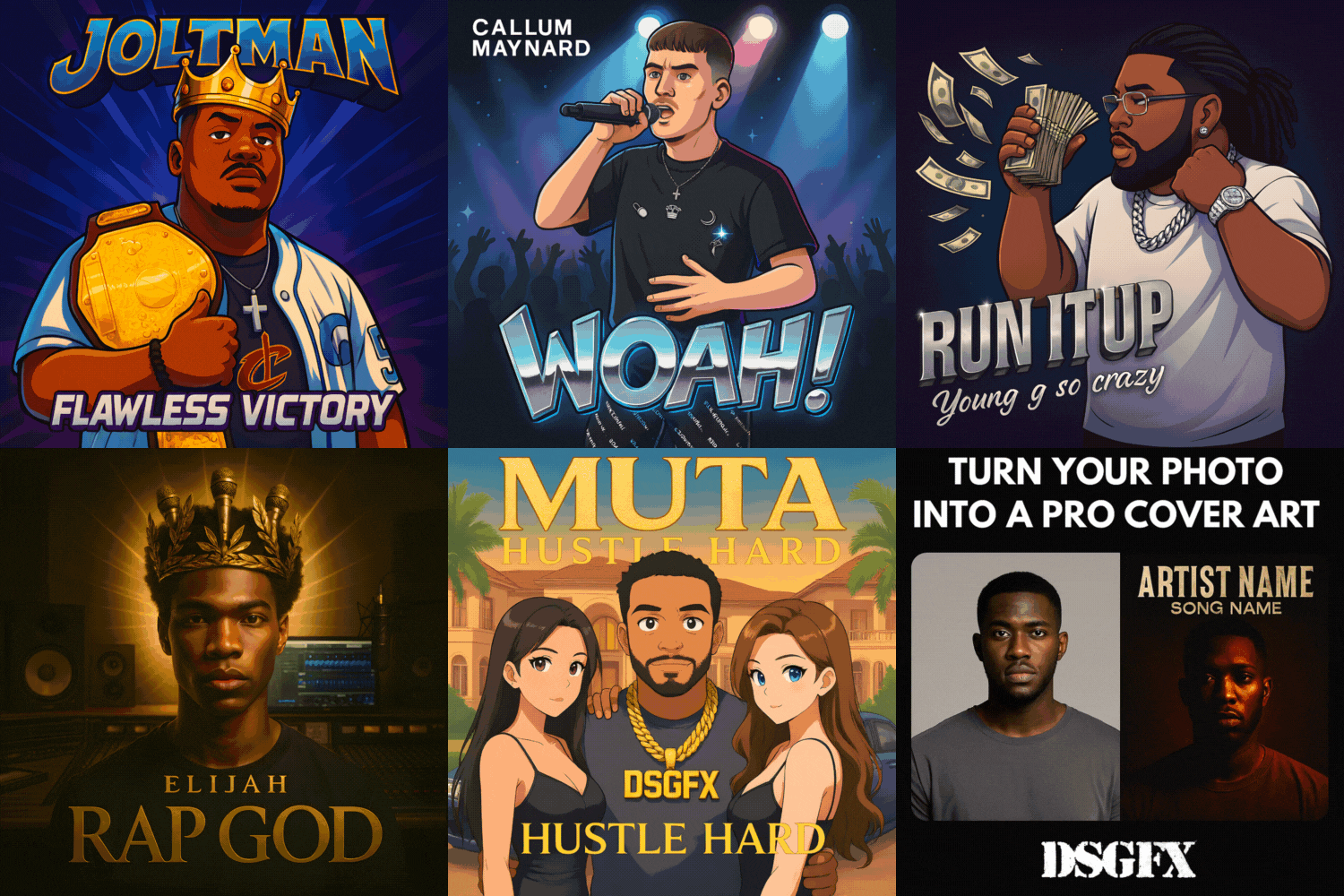
DSGFX Credit Packs are one-time purchases of credits for Covermatic, DontSleepGFX's self-service AI design studio. Use Covermatic to generate album or single cover art from an idea or reference photo, customize a design from the library, edit an image, or create matching release promo graphics.
What do credits buy?
Cover generation, image editing and Promo Graphics currently cost 5 credits per action. A generation and an edit are separate paid attempts. For example, generating a cover and then making two edits uses 15 credits. Check the displayed action cost in Studio before starting.
Choose a credit pack
Credit packs and attempts at 5 credits per action
| Pack |
Price (USD) |
Generation or edit attempts |
| 25 credits |
$20 USD |
5 attempts |
| 100 credits |
$50 USD |
20 attempts |
| 220 credits |
$100 USD |
44 attempts |
| 450 credits |
$200 USD |
90 attempts |
| 700 credits |
$300 USD |
140 attempts |
| 1,500 credits |
$500 USD |
300 attempts |
The smallest available pack is 25 credits. Prices above are in USD; your selected currency and final price are shown at checkout. Each pack adds its stated number of credits to your account. Buying a pack does not start a subscription.
How to use your credits
- Sign in or create your DontSleepGFX account before payment.
- Choose a credit pack and complete checkout.
- Open Covermatic Studio with the same account and check your credit balance.
- Choose a design, upload a reference photo or describe your idea. Review the action cost, then generate or edit.
- Review your artwork and download the result. Further generations or edits use credits separately.
What is included?
Credits pay for self-service AI attempts in Covermatic. They do not include a designer-led artwork package, exclusive ownership of a library design, animated motion cover art, or music video production. Motion Cover Art and Music Video Production are separate paid services.
Attempts do not guarantee a finished or distributor-approved cover. Review spelling, names, visual details and your downloaded file before using artwork for a release.
Credit purchase terms
Purchased credits are non-refundable. If you are new to Covermatic, start with a smaller pack to check that the workflow meets your needs. If your balance does not appear after payment, contact info@dontsleepgfx.com with your order number.